AFCU Container Background
AFCU Container Background Arcs

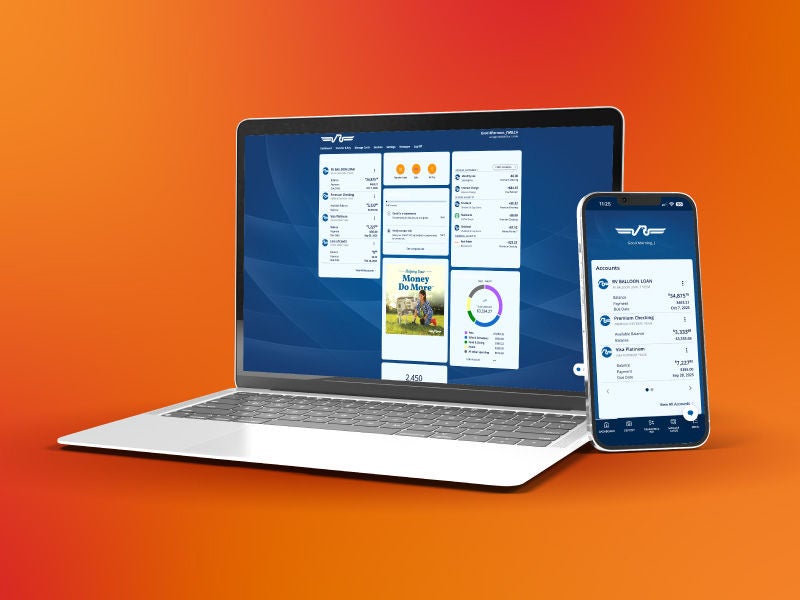
Enjoy Your New Digital Banking Experience

New digital banking experience
~ai-a905c4f2-d1f5-4a43-bec3-300ee920ecb1_

Digital Banking Application Update

A woman using a laptop

Our new digital banking experience has launched, but there may be a delay before the app automatically updates on your device. You can expedite this process by updating mobile banking manually in the App Store or Google Play, or by deleting and reinstalling the application.

How to Log In

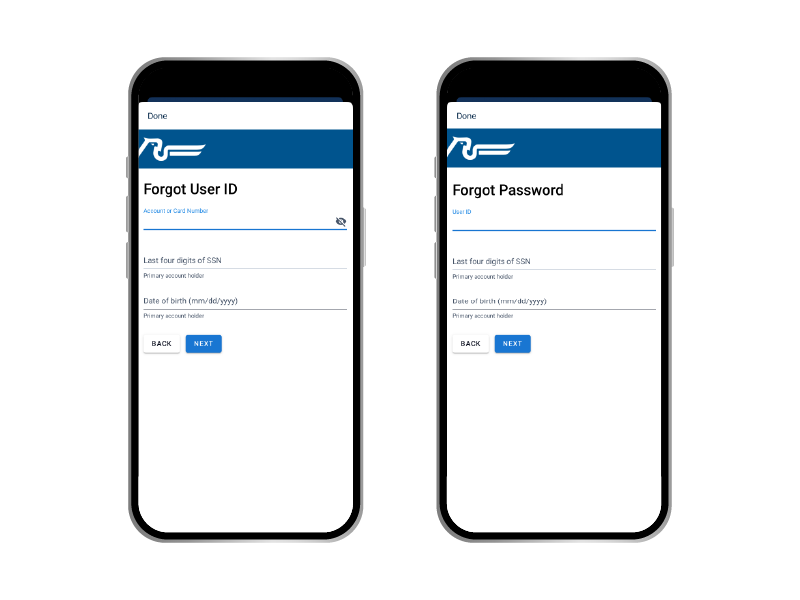
If you can’t remember your user ID or password:

Username & Password
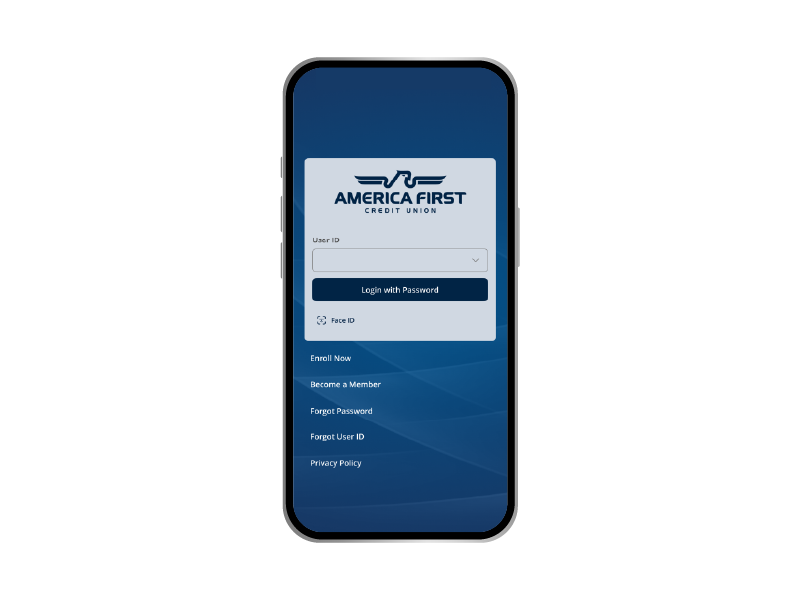
  • Click Forgot User ID or Forgot Password on the login screen
  • Select Personal for account type
  • Enter the requested information

Multi-factor authentication (MFA) codes will be sent to the contact information that is attached to your account. If you do not receive the MFA code, please contact us for assistance.

Re-enable Biometrics

Biometrics

Due to enhanced security requirements, biometrics such as fingerprint or facial recognition will need to be set up again after the upgrade.

Notifications

Card Guard® Notifications

Cardguard
A retired couple walking through a foreign city.

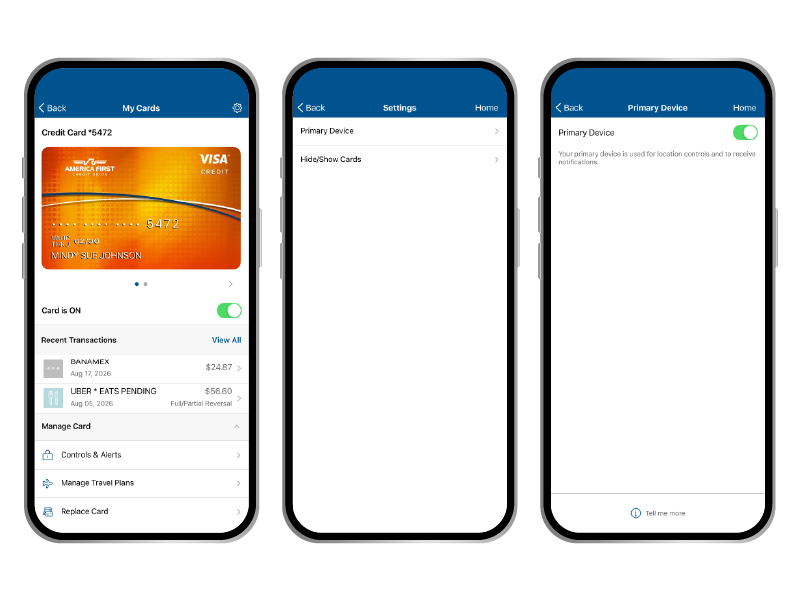
Previously established Card Guard settings such as alerts, spending limit, location filters, and blocked merchants should carry over after the update. However, you will need to use the mobile banking app to select a primary device, which will receive push notifications. Here’s how to do it:

  • Open Card Guard in mobile banking
  • Click the settings icon in the top right corner
  • Select Primary Device
  • Toggle the switch on

Enable App Notifications

Notifications

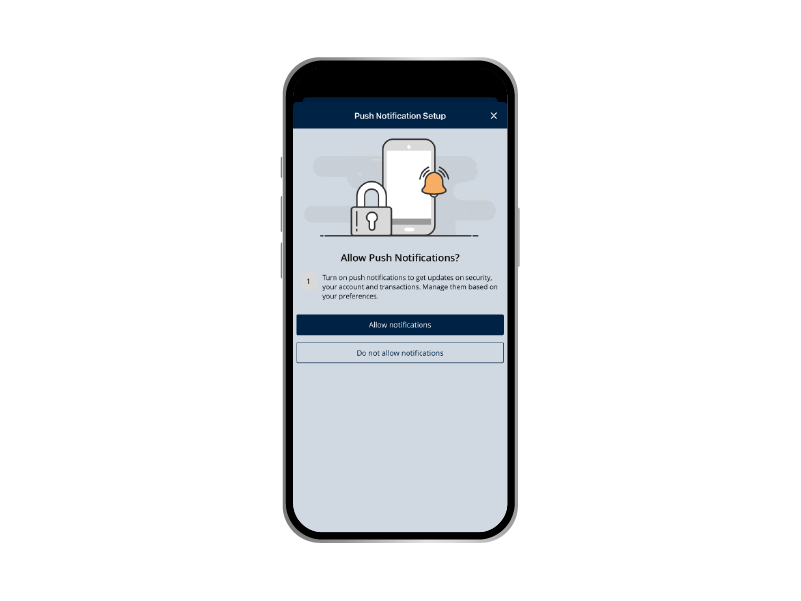
When prompted, you will need to enable push notifications on your device. This will allow you to receive helpful notices regarding account activity, important announcements, and other vital information relevant to your account.

Other Things to Know

How do I organize my accounts?

Phone screenshots

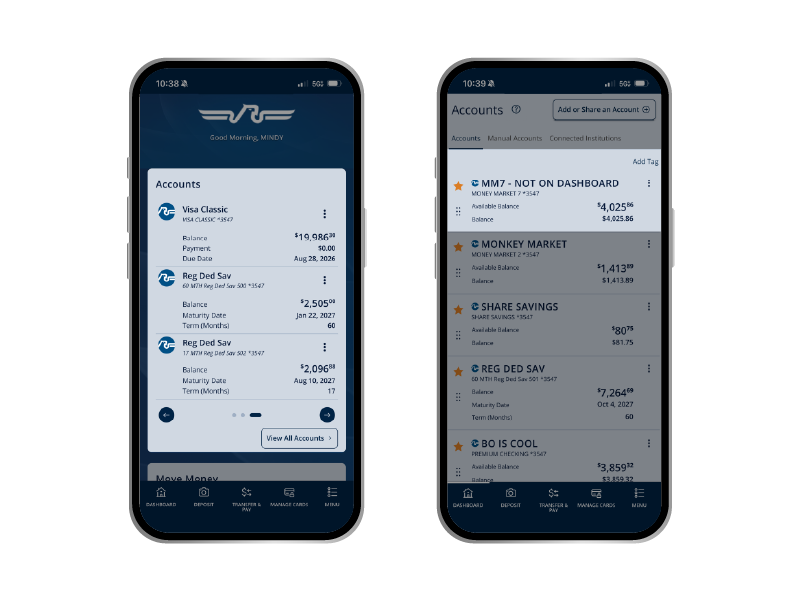
The order of accounts in digital banking can be changed using the following steps:

1.   Find Accounts on the dashboard

2.  Select View All Accounts

3.   Click and drag the six dots on the left to reorder accounts

Take the Tour

Man on a phone

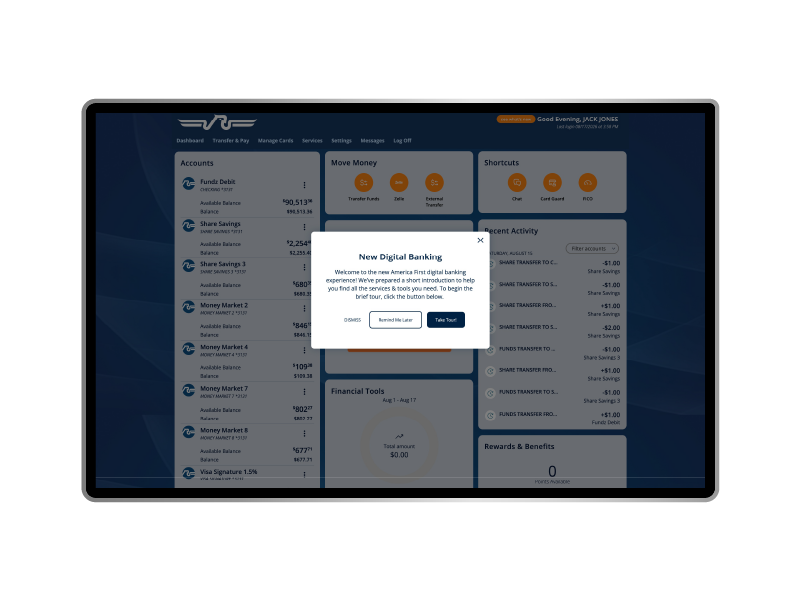
When you first log in to the new digital banking, you’ll be greeted with a quick, guided tour to help you find where certain services have moved and to be introduced to some new and exciting features.

FAQs

No. All account information will be retained during the digital banking upgrade. Your America First transaction history, balances, and account details are securely stored and protected throughout the process. All migrations are carefully tested to ensure accuracy and continuity, so members will have uninterrupted access to their account information before and after the upgrade.

Online Banking

You can now access:

  • Card Guard®
  • Secure Messaging (now merged with Document Sharing)

Mobile Banking

Now features:

  • Account activity alerts management
  • Virtual assistant chat support
  • Secure Messaging (now merged with Document Sharing)
  • Transaction disputes
  • Visa® card image customization
  • And more!

If you don’t remember your login information, visit the digital banking login page on our website and click on either Forgot User ID or Forgot Password. Then follow the prompts to recover the information you need.

We're Here to Help You

At America First Credit Union, our chief concern is the financial well-being of members. We strive to provide superior products and services and strengthen the communities we serve.