

“
You can make purchases with your compatible device by using Samsung Pay.


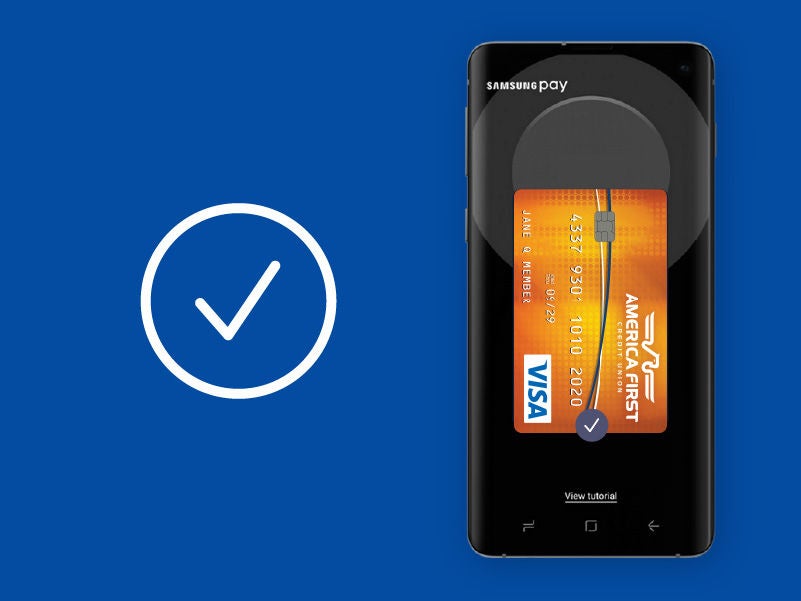
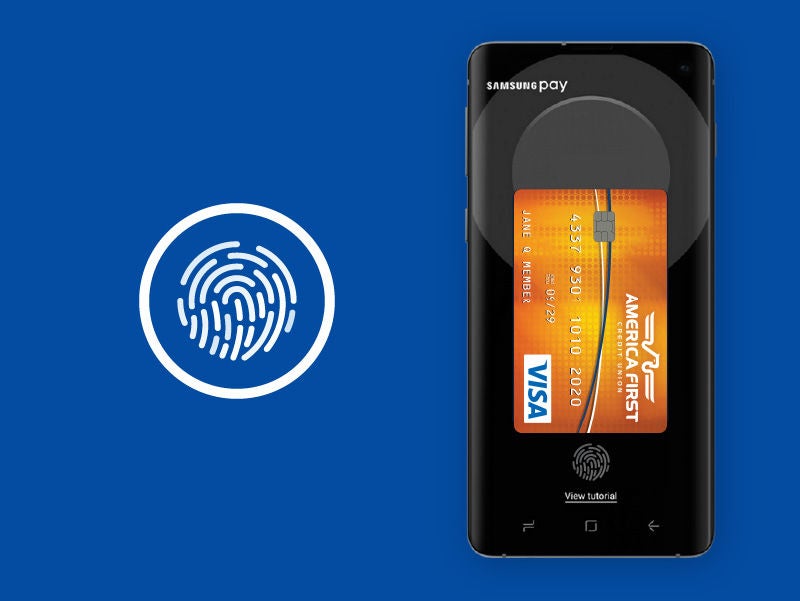
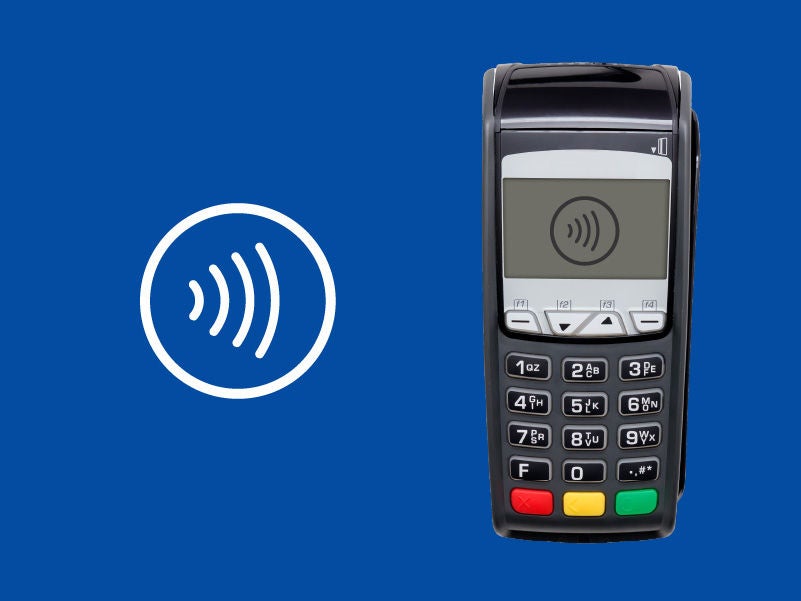
With this mobile service, you can make purchases with a compatible Samsung device almost anywhere you can swipe or tap your America First Visa credit and debit card. After adding your card, making a purchase is simple. Swipe up on the screen to launch the app and place your finger on the Home key. Then hover your Samsung device over the card reader.
You can make purchases with your compatible device by using Samsung Pay.
Samsung Pay is accepted almost anywhere you can swipe or tap your card.
Yes. However, message and data rates may apply, depending on your plan.
All of your personal Visa credit and debit cards.
The entire transaction is secure because your debit and credit card numbers aren't stored on your device.
Just click here.
Since Samsung Pay doesn't store your card number on your device, your personal information is protected.

At America First Credit Union, our chief concern is the financial well-being of members. We strive to provide superior products and services and strengthen the communities we serve.