




“
If you have previously set up face ID or fingerprint logins to your America First Credit Union account, you will need to set those up again after the update so you can quickly and securely log in to the mobile banking app.


If you have previously set up face ID or fingerprint logins to your America First Credit Union account, you will need to set those up again after the update so you can quickly and securely log in to the mobile banking app.
After the digital upgrade, Card Guard settings such as alerts, spending limit, location filters, and blocked merchants will need to be set up again. You will also need to enable push notifications on your mobile device.
After your mobile banking app is updated, be sure to enable push notifications on your device in order to receive helpful notices regarding account activity, important announcements, and other relevant information for America First members.
Established automatic transfers & loan payments, account alerts, account nicknames, added billers in Bill Pay, added external transfer accounts, multi-factor authentication, linked America First accounts, addresses, emails, electronic statement preferences, and money manager budgets will all carry over to the new digital banking.
While the upgrade will take place in the late evening and early morning, some users may experience temporary connection disruptions. Both mobile and online banking should return to full functionality by regular business hours.
This disruption could also temporarily affect data sharing with accounting software.

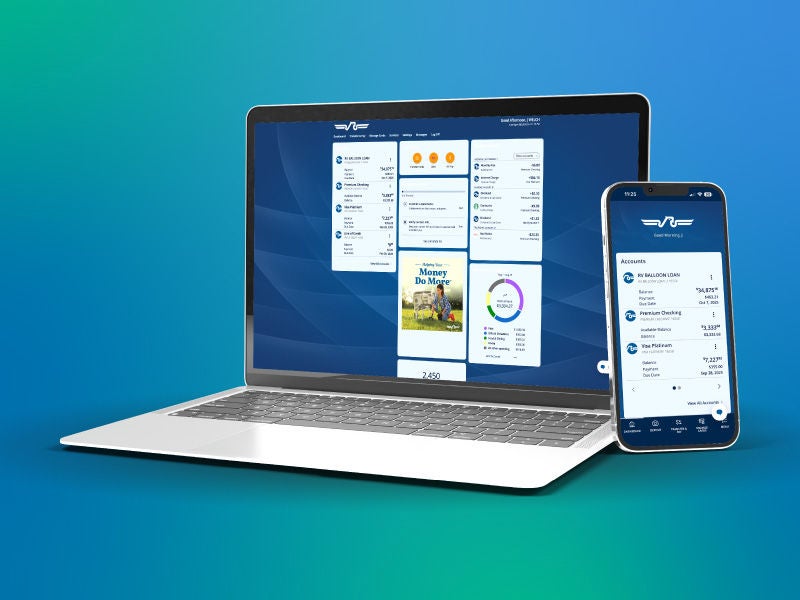
Learn what you need to do to ensure a smooth transition.


At America First Credit Union, our chief concern is the financial well-being of members. We strive to provide superior products and services and strengthen the communities we serve.